Best Dictation Tools for Professional Writing
Wispr Flow, Superwhisper, Apple Dictation and Windows voice typing: what to try before paying, when local processing matters, and how to judge the text that actually leaves your desk.


The difficult part of a client email is often getting the first version out. Speaking can help, particularly when you already know what you want to say. But a fast transcript that changes a name, drops a qualification or turns a suggestion into a promise creates another editing job.
Our provisional paid pick is Wispr Flow for frequent writing across applications. Superwhisper deserves the first look when configurable local processing is the requirement. Start with your computer’s built-in dictation if you are still finding out whether speaking suits your work. These are workflow recommendations; we have not measured comparative transcription accuracy.
The Ledger
Published features and prices checked September 9, 2026. USD where a subscription is quoted; taxes and regional offers may differ.
| Tool | Cost at research time | Useful distinction | Check before choosing |
|---|---|---|---|
| Wispr Flow | Free tier; Pro $15/user/month, or $12/user/month billed annually | Paid unlimited dictation across applications | Privacy Mode and cloud-history storage are separate settings |
| Superwhisper | Free tier; Pro advertised at $8.49/month | Choice of local or cloud voice models and text processing | Local language models currently macOS only; Windows can use local transcription without AI post-processing |
| Apple Dictation | Included with macOS; no additional dictation subscription | Built-in entry point for Mac users | Keyboard settings describe processing for your configuration; language and device support vary |
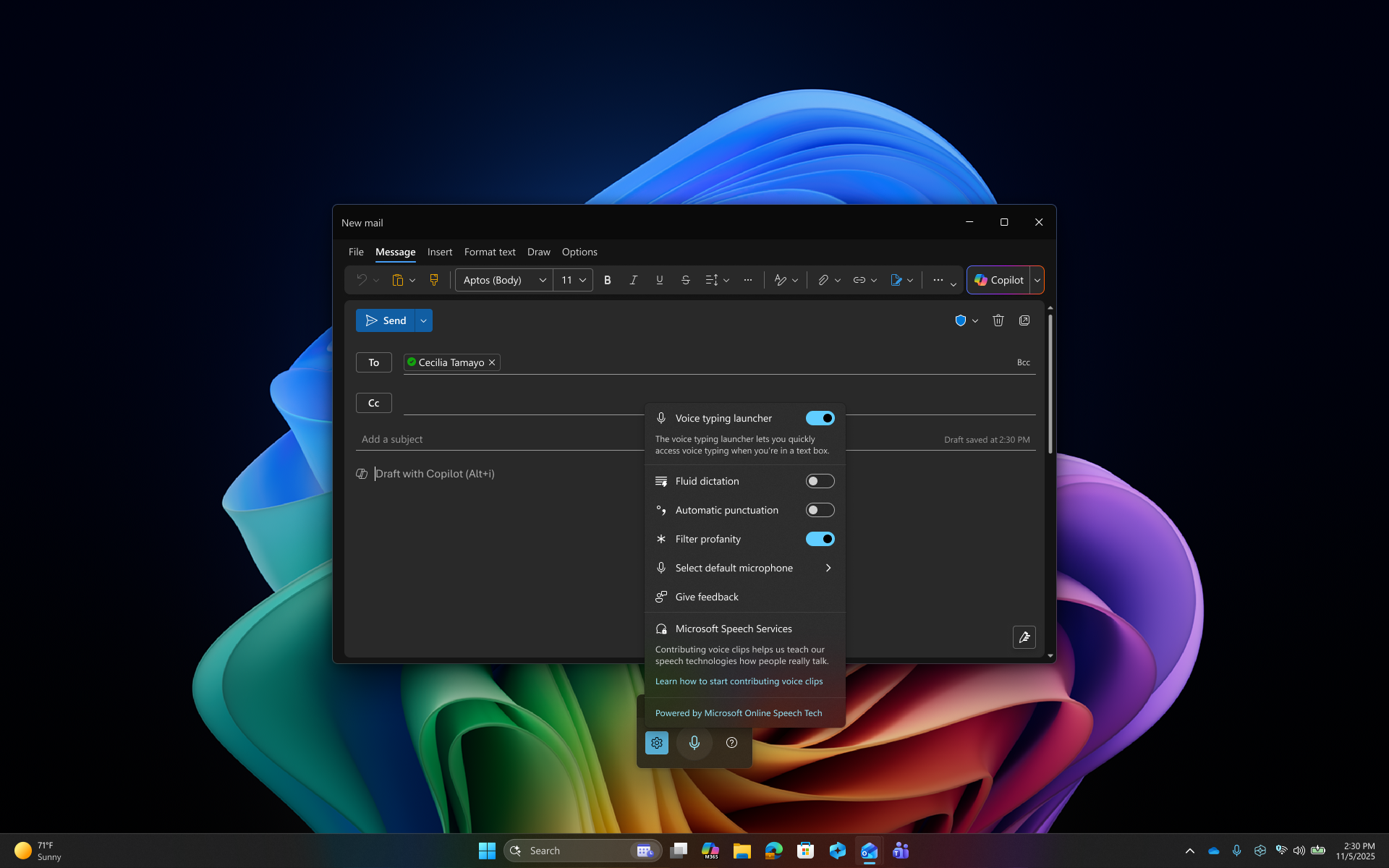
| Windows 11 voice typing | Included with Windows 11; no additional dictation subscription | Windows + H starts input in a text field | Requires internet access; distinct from Windows voice access |
Sources: Wispr plans and privacy settings; Superwhisper pricing and local configuration; Apple Dictation; Microsoft voice typing.
The Row
Local transcription is only half the question
Superwhisper separates voice recognition from optional language-model processing. A local voice model followed by a cloud rewriting model still sends text off the device. Its documentation describes local language models on macOS; on Windows, local voice transcription without AI post-processing is the documented way to keep those stages local. Choose the complete configuration, then try it on your actual machine. We have not benchmarked its speed or battery use.
Wispr’s documentation distinguishes Privacy Mode from storing dictation history in the cloud. It states that dictation is not retained when Privacy Mode is on and cloud storage is off; enabling cloud storage changes that. Read the settings together rather than treating one privacy switch as a description of the whole workflow. Wispr’s explanation is the reference for those controls.
A trial that tells you something
Choose three recurring jobs: a client follow-up, an internal update and a paragraph of longer writing. Use the same microphone and a comparable room. Include a person’s name, a number, a date and a sentence containing “unless” or “not.” Those small details are often where a polished draft can become a misleading one.
Count the time from starting the draft to having something you would actually send. Note corrections to meaning separately from punctuation. Repeat on several days, including a tired afternoon. Keep a paid tool only if the improvement survives that ordinary use. A public-office setting, a shared home or a preference for thinking on the page may make typing the better choice regardless of software.
Start free. Upgrade for a repeatable difference.
Try your operating system’s dictation first. Shortlist Wispr Flow when speaking becomes a daily writing habit, or Superwhisper when local configuration is the deciding requirement. Dictating your own draft and capturing other people’s meeting commitments are different jobs; our meeting note-taker comparison covers the latter.
Evidence boundary: Features, listed prices and documented processing choices were checked against the linked primary sources. We have not run a controlled accuracy, accent, latency or battery comparison. Rankings reflect documented workflow fit and remain provisional. Product links lead to official providers; no affiliate tracking was added.