Best AI Meeting Note-Takers for Client Work
Granola, Notion AI Meeting Notes and Plaud NotePin S compared around the work after a conversation: accurate commitments, usable notes and a place your team will actually find them.

A meeting ends with three apparent agreements. By the time the follow-up goes out, one has become a firm deadline, another has lost its owner and the third has disappeared. The useful note-taker is the one that helps you catch those mistakes before they reach the client.
Granola is our provisional first choice for a standalone meeting notebook. Start with Notion instead if your team already works in an eligible workspace. Plaud NotePin S fills a different gap: carrying a recorder into in-person conversations. This is a shortlist for individual client-facing work, not an evaluation of enterprise sales intelligence or call-coaching systems.
The Ledger
Provider documentation checked September 9, 2026. USD prices where quoted; taxes, billing choices and regional offers may differ.
| Tool | Cost and entitlement | Best fit | Practical constraint |
|---|---|---|---|
| Granola | Basic free with limited meeting history; Business $14/user/month | A dedicated place to turn meetings into working notes | Check sharing and history needs before choosing the free plan |
| Notion AI Meeting Notes | Business or Enterprise workspace; check the current per-member quote and billing period | Teams already keeping project work in Notion | Desktop can capture system audio; browser capture is microphone-only |
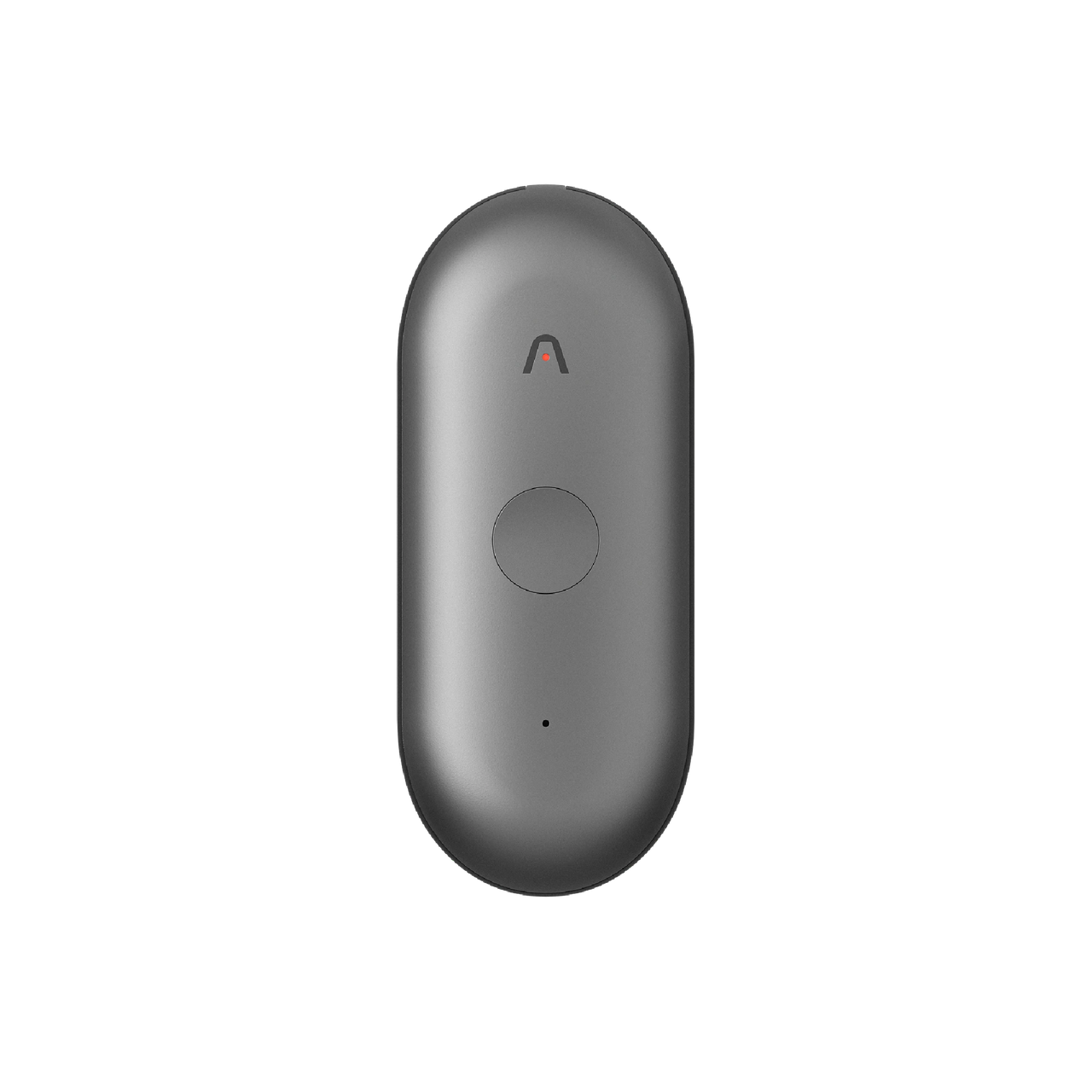
| Plaud NotePin S | $179 device; 300 transcription minutes/month included | In-person conversations where a wearable recorder is useful | More transcription requires a paid plan or extra allowance; carrying and charging hardware adds work |
Sources: Granola plans; Notion capture and eligibility and workspace pricing; Plaud NotePin S and included minutes. Notion also documents eligible mobile subscriptions; that does not make mobile capture equivalent to the desktop workflow.
The Row
First, make sure both sides are being heard
Notion’s capture method matters more than its summary template. Its browser version only transcribes microphone input, so a remote participant heard through headphones can be absent from the record. The desktop app can capture system audio with the required permissions. Mobile captures sound reaching the phone’s microphone, rather than audio playing internally from a call. Notion documents these differences; test the exact setup before relying on it.
The NotePin S is hardware for carrying into a room, but Plaud also includes access to its desktop recording application with a device. Evaluate those capture paths separately. The included 300 monthly transcription minutes equal five hours: enough for a few conversations, quickly consumed by a full meeting schedule. Check the additional plan cost against your actual calendar, rather than treating the device price as the total cost of ownership.
A private notebook still needs a sharing decision
Granola says it does not retain audio and that notes are private until shared. That is useful context, but it does not make the resulting meeting record temporary or automatically suitable for every client. Decide who should receive the summary and whether the note includes internal observations that should stay internal. Granola’s data FAQ explains the product’s handling.
Tell participants how the meeting is being captured and agree on its use before starting. Keep a manual-note option when recording is unwelcome. For employer or client work, use the configuration your organization has approved; this comparison does not establish contractual or regulatory suitability.
Judge the follow-up, not the demo
Try three representative meetings. Check whether the notes separate a decision from a proposal, assign the right owner, preserve dates and amounts, and retain important disagreement. Then draft the actual follow-up. Measure the time needed to correct and send it, including the time spent moving notes into the system your team uses.
Before committing, also try retrieving an older meeting and sharing only the intended material with a colleague. A beautiful summary that is hard to find, over-shared or trusted without review has not solved the original problem. None of these tools replaces confirming a commitment with the person responsible for it.
Choose where the notes need to live.
Trial Granola for a standalone notebook, use eligible Notion capture when that is already the team’s working home, and buy NotePin S only when in-person recording justifies a dedicated device. If your real bottleneck is writing the follow-up after the decisions are clear, start with our dictation comparison.
Evidence boundary: This comparison uses the linked provider documentation for plan structure, capture methods and stated data handling. Row & Ledger has not run comparative transcription, speaker-attribution or summary-accuracy tests, nor independently audited privacy controls. Rankings are provisional workflow judgments. Product links lead to official providers; no affiliate tracking was added.