Best Mice for Professional Work (2026)
Four serious pointing devices for long documents, multi-device work, travel and ergonomic preference—ranked by workflow leverage rather than gaming specifications.
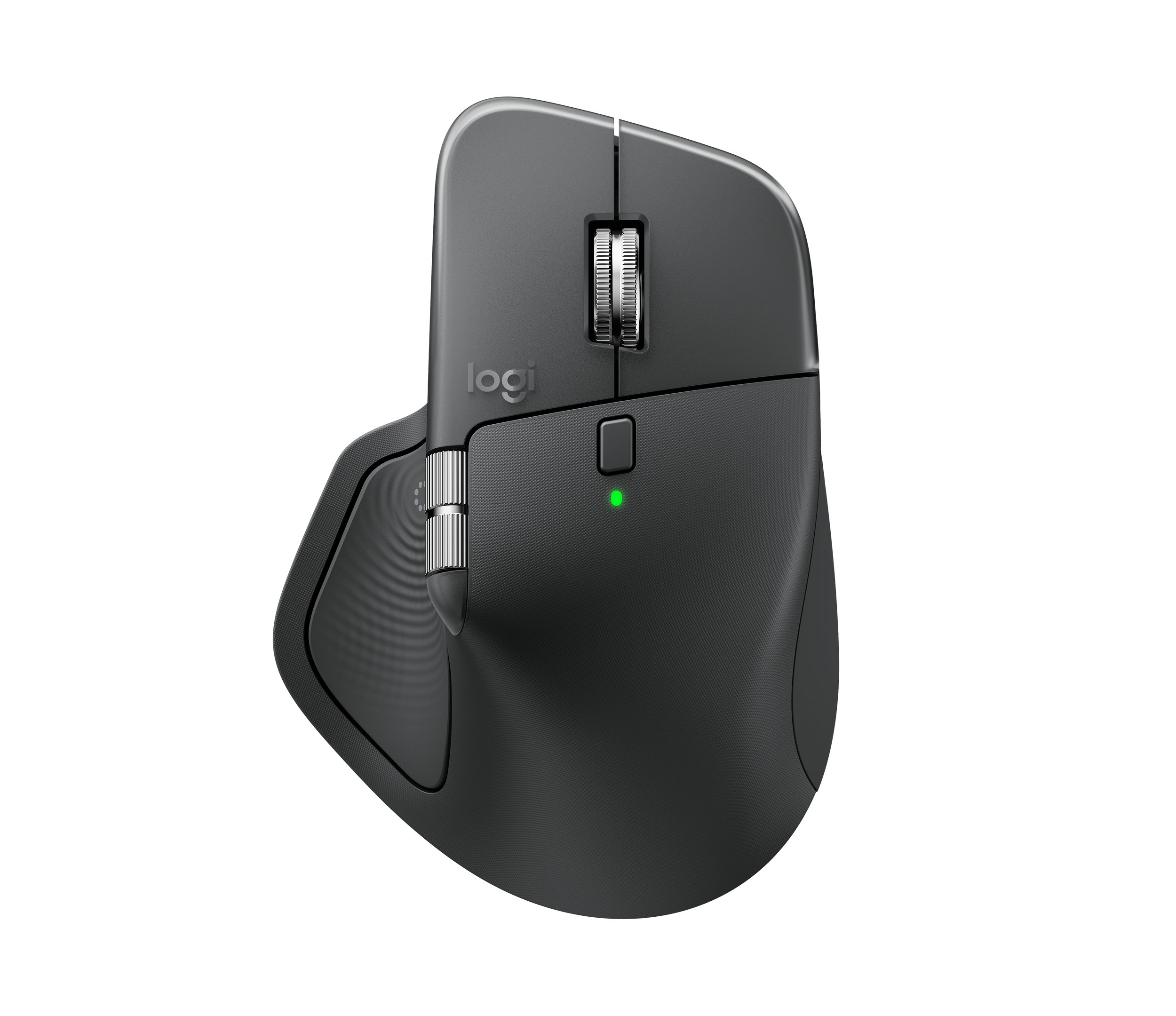
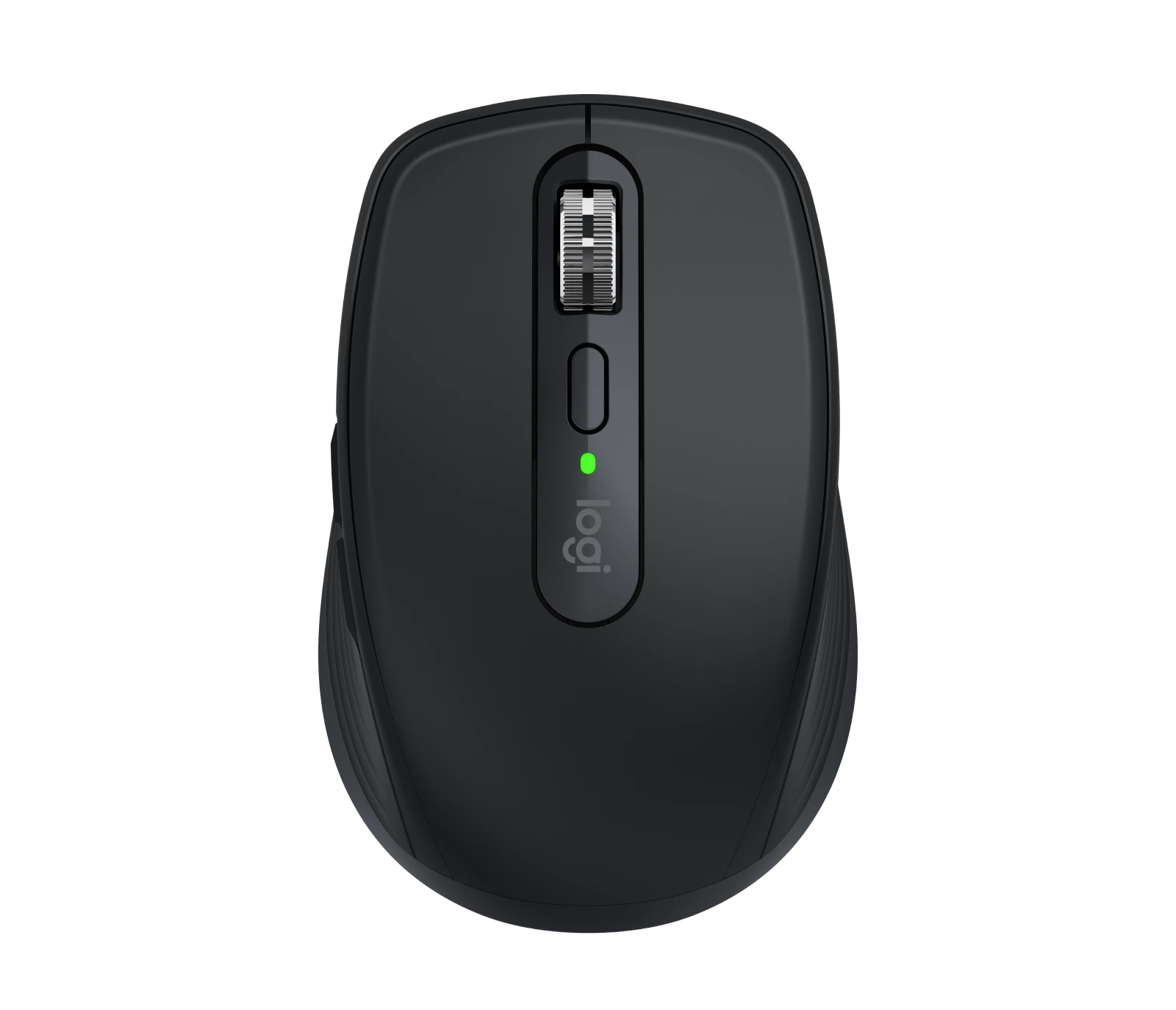
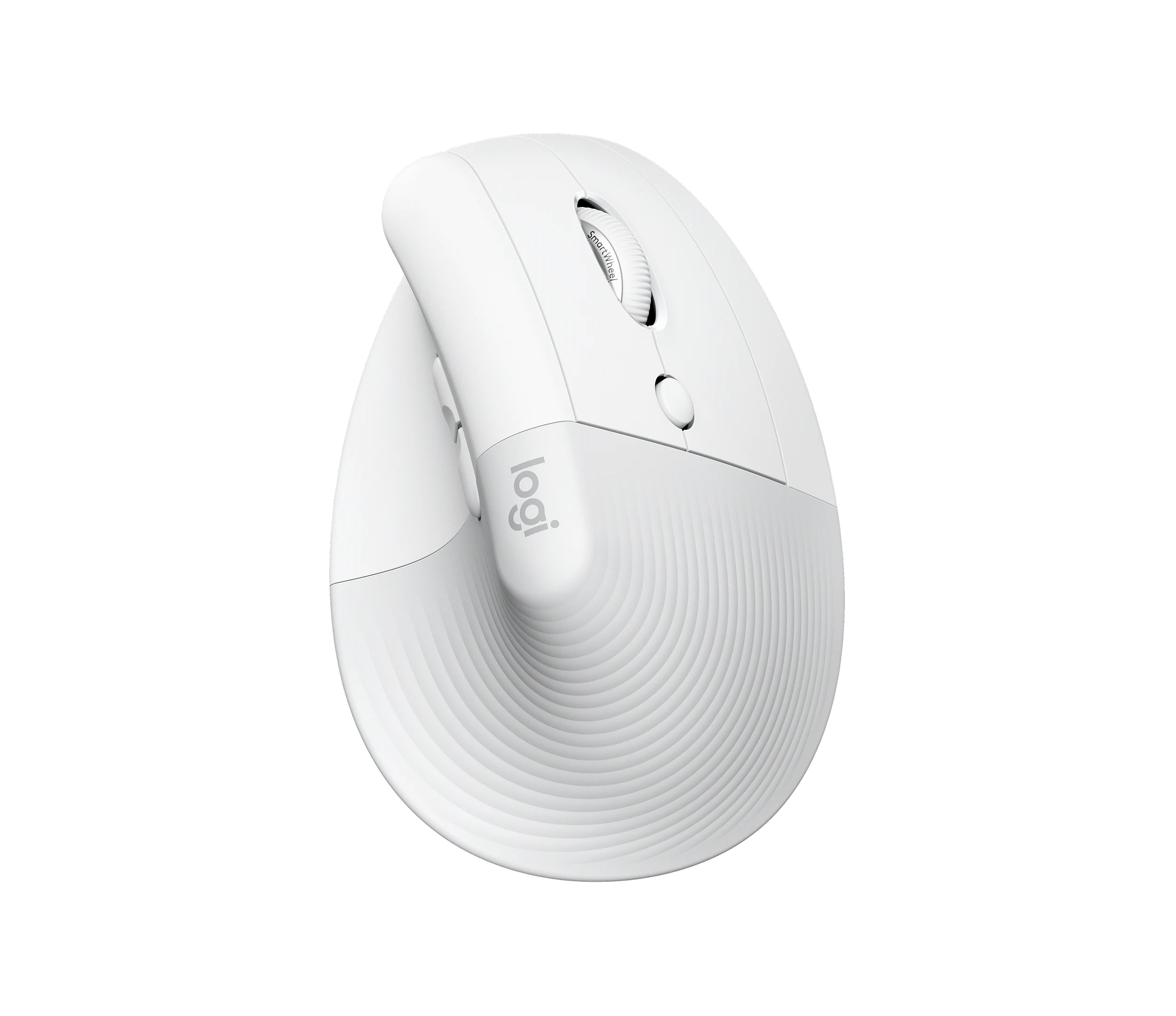
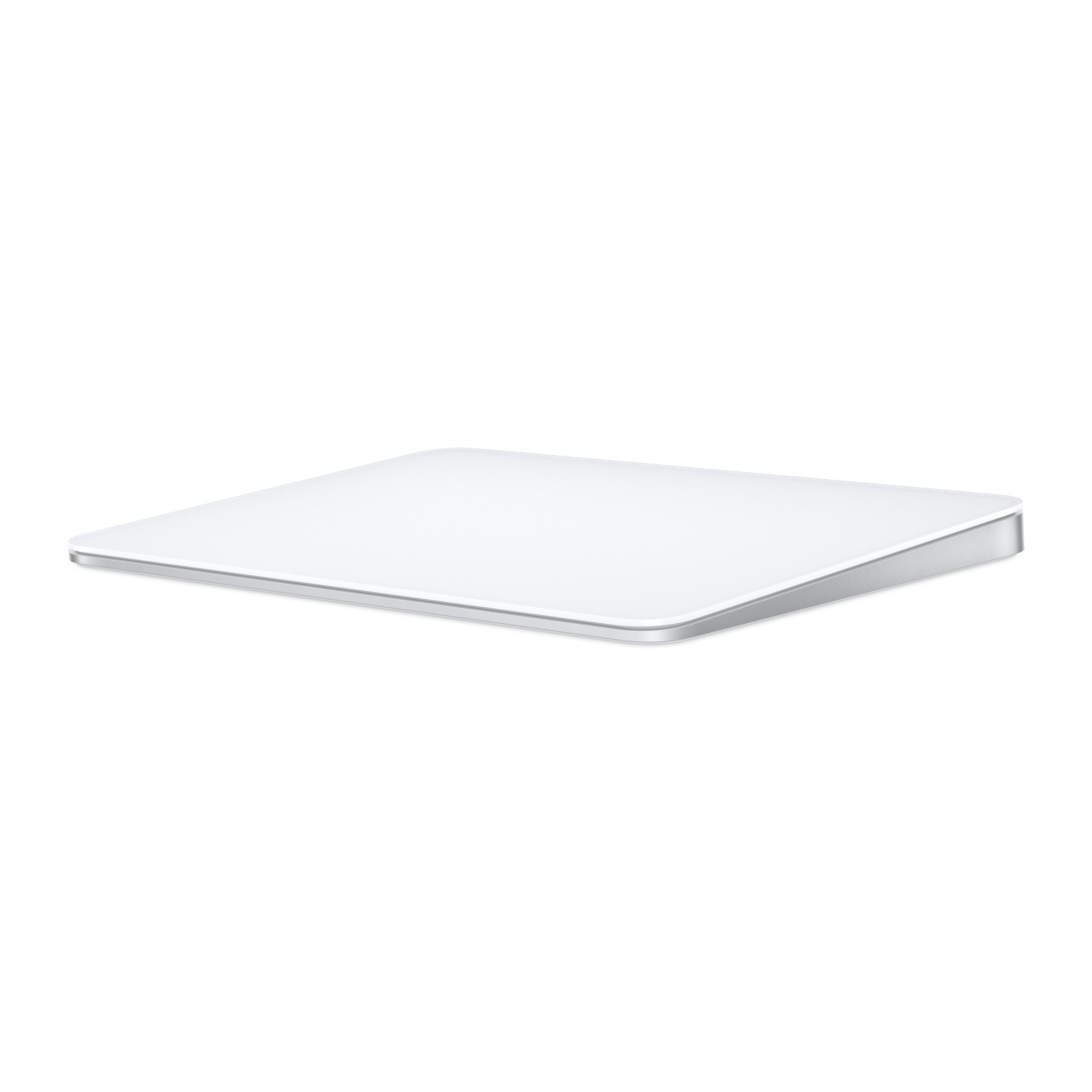
Logitech MX Master 4
The work-first pick combines an 8,000-DPI-class Darkfield sensor, MagSpeed and horizontal scrolling, eight buttons, haptic feedback and three-device connectivity.
The Ledger
The evidence sheet: what is documented, what the premium buys, and where the trade-off lives.
| Measure | Logitech MX Master 4 | Logitech MX Anywhere 3S | Logitech Lift | Apple Magic Trackpad |
|---|---|---|---|---|
| Price | Premium office tier | Lower / travel tier | Mid-tier ergonomic | Premium Apple accessory |
| Tracking / input | 200–8,000 DPI · 8 buttons · thumb wheel · MagSpeed | 8,000-DPI-class sensor | Vertical mouse · 57° posture | Large multi-touch surface |
| Weight | 150g | 99g | Not stated in current comparison | Not stated in current comparison |
| Device workflow | Bluetooth / Logi Bolt · 3 devices | Compact multi-device travel mouse | Right- and left-hand versions | Mac gesture workflow |
| Battery claim | Up to 70 days | Not stated in current comparison | Not stated in current comparison | Not stated in current comparison |
| Best reason to pay | Deep navigation + customization | 8K-class tracking in a 99g body | Specialized vertical geometry | Gestures and Apple-native interaction |
| Meaningful compromise | Large, right-handed, relatively heavy | Less sculpted desk ergonomics | Requires adaptation; fit is personal | Not a conventional mouse; platform-specific value |
The Row
Specifications and prices reflect the evidence available when this guide was updated. Manufacturer claims are not presented as Row & Ledger hands-on findings.
Navigation is the differentiator
For office work, the useful upgrade is not headline DPI. It is navigation: a thumb wheel, MagSpeed main wheel, customizable buttons and reliable switching among devices. Those are the features that can change everyday document and spreadsheet work.
Shape remains personal
Lift takes a specialized 57-degree vertical approach and is offered in right- and left-handed versions. Magic Trackpad changes the input model entirely around gestures. Neither can be ranked universally from specifications.
Limitations
MX Master 4 is large, right-handed and relatively heavy. Lift requires adaptation. We have not physically tested fit, fatigue, click feel, coating durability or tracking consistency across surfaces.
Logitech MX Master 4
For a professional desk, the MX Master 4 has the strongest combination of navigation, customization, multi-device support and mature office workflow design.
Related Guides
Best Keyboards for Professional Work
Best Webcams for Professional Video Calls
Best Thunderbolt Docks for Professional Work
Evidence boundary: Row & Ledger has not physically tested fit, fatigue, click feel, coating durability, tracking consistency or long-session comfort.
Some retailer links are affiliate links. Row & Ledger may earn a commission from qualifying purchases at no additional cost to you. Recommendations remain independent of commercial relationships.