Best Thunderbolt Docks for Professional Work (2026)
Four serious docks for turning a laptop into a durable professional workstation—compared on host bandwidth, charging, display architecture, networking and the ports that actually remove adapters.
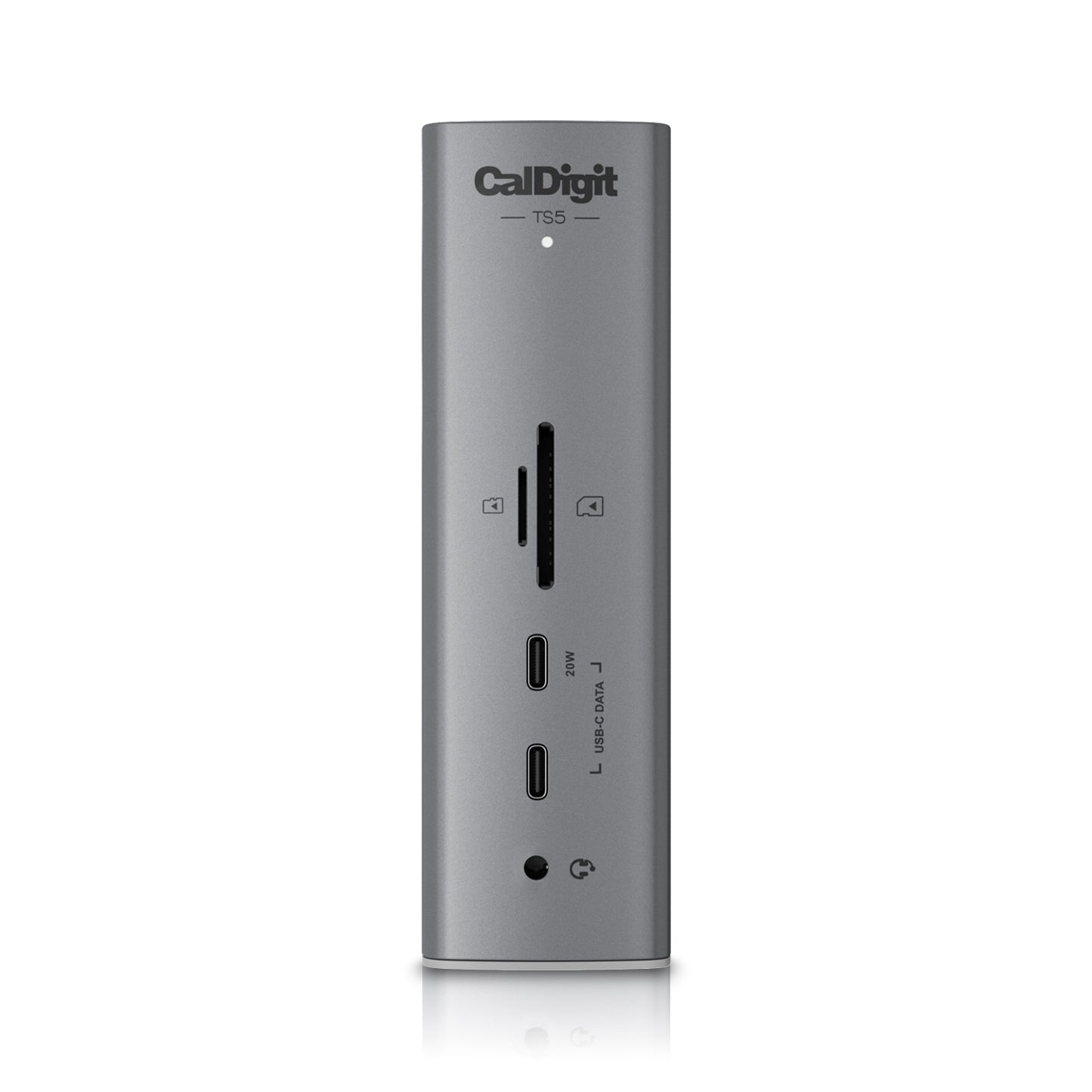
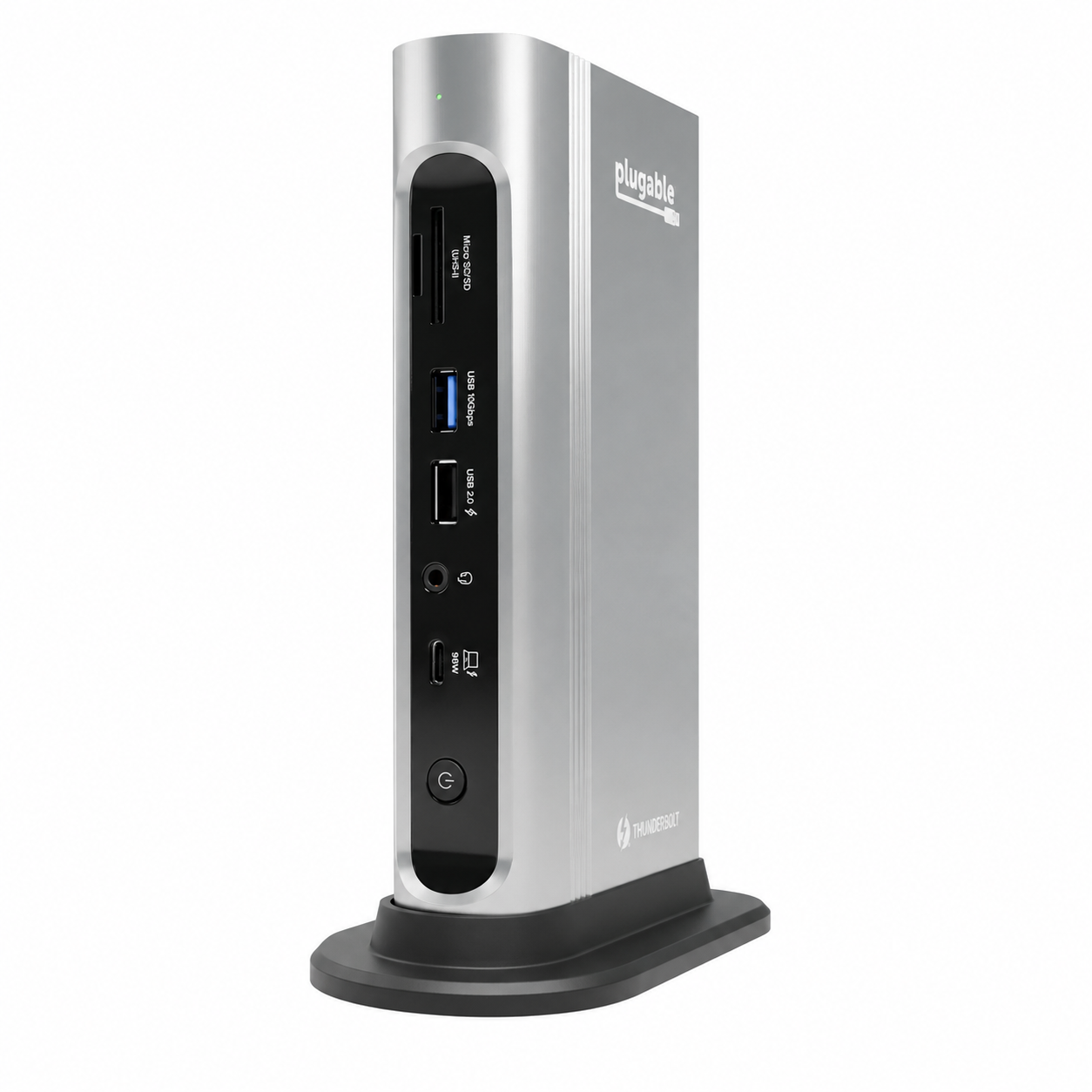
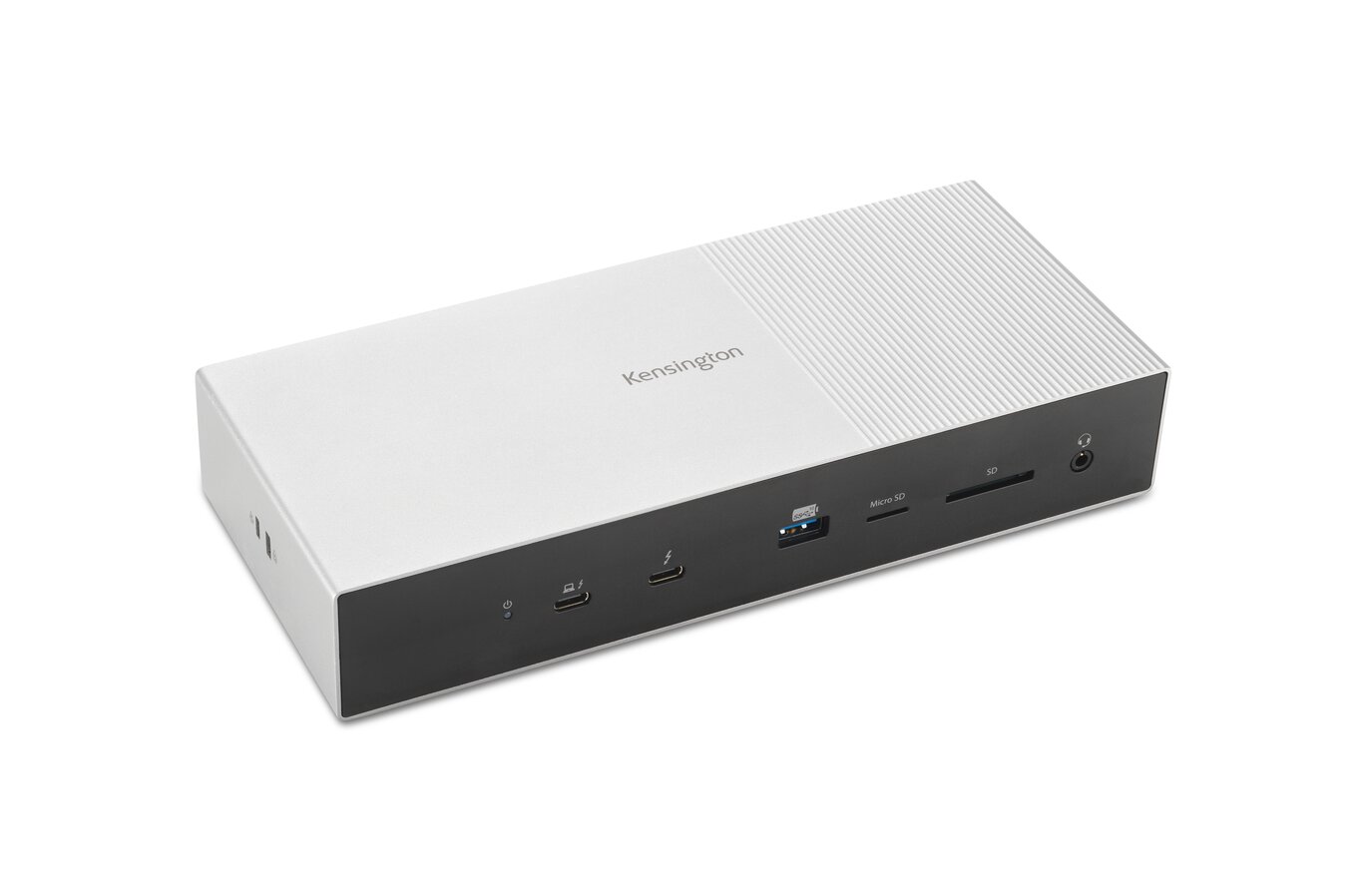
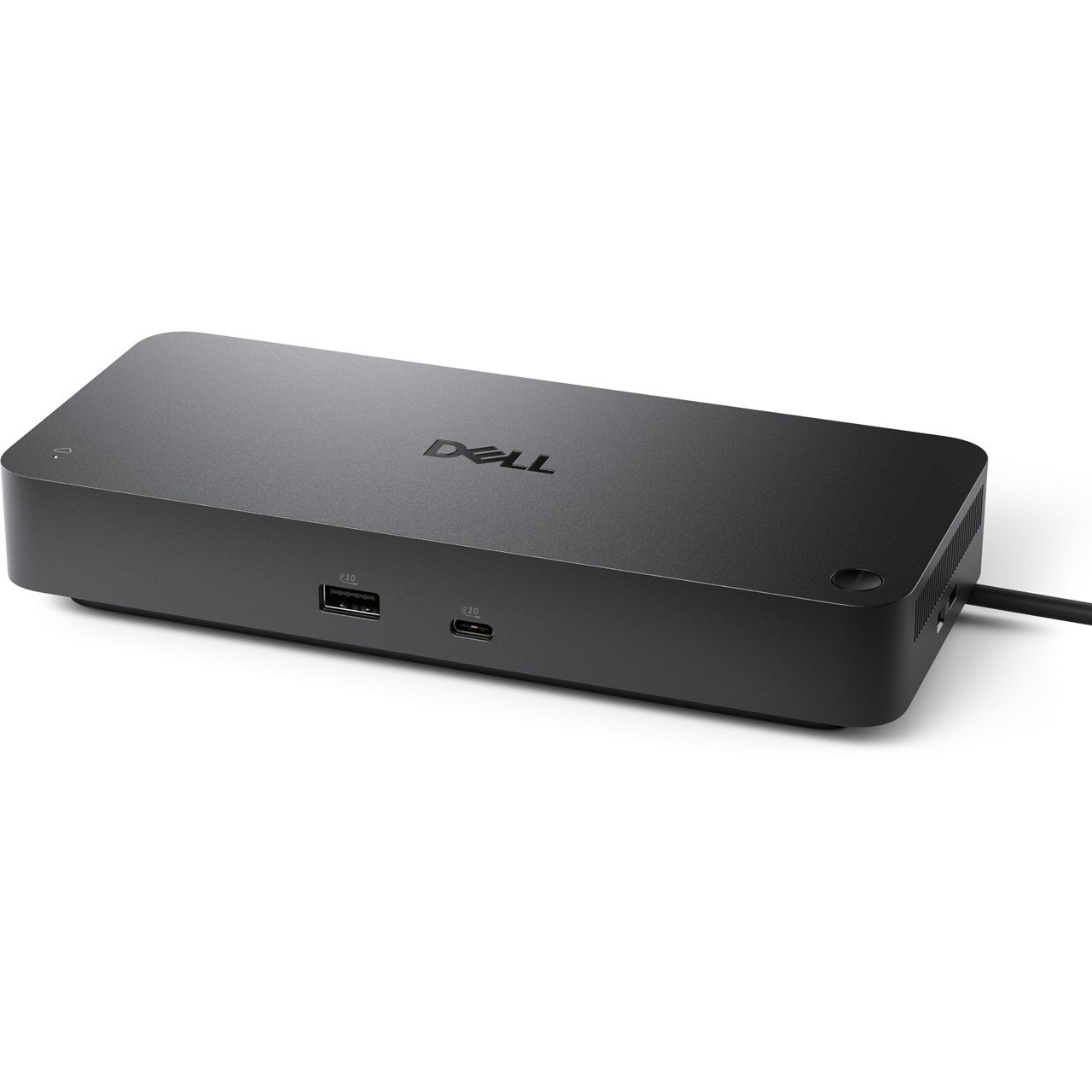
CalDigit TS5
The strongest current balance of next-generation bandwidth, 140W laptop charging, useful ports, 2.5GbE and a compact professional chassis.
The Ledger
The evidence sheet: what is documented, what the premium buys, and where the trade-off lives.
| Measure | CalDigit TS5 | Kensington SD5000T5 EQ | Dell Pro SD25TB4 | Plugable TBT4-UDZ |
|---|---|---|---|---|
| Price at research time | ~$400 | Varies | ~$400 | ~$290 |
| Host interface | Thunderbolt 5 · 80Gb/s bidirectional | Thunderbolt 5 | Thunderbolt 4 | Thunderbolt 4 |
| Host charging | Up to 140W | Up to 140W | 130W supported Dell / 96W non-Dell | 100W PD · 98W certified to host |
| Port architecture | 15 ports · 3 downstream TB5 | 3 downstream TB5 + card readers | 2× DP 1.4 · HDMI 2.1 · USB-C DP · 2 downstream TB4 · 4 USB-A | 16 ports · 2 HDMI + 2 DisplayPort |
| Networking | 2.5GbE | 2.5GbE | 2.5GbE | Not stated in current comparison |
| Best reason to pay | Forward-looking bandwidth + charging | TB5 display bandwidth | Dell fleet / IT management + conventional display outputs | Lower cost + explicit display flexibility |
| Meaningful compromise | No dedicated HDMI / DisplayPort | Premium architecture only useful on capable hosts | TB4 rather than TB5 | Less charging headroom / older interface |
The Row
Display compatibility checked against manufacturer documentation September 9, 2026. Prices and other specifications retain the September 1 research baseline and may have changed. Manufacturer support claims do not establish hands-on reliability.
Bandwidth is not the whole decision
CalDigit and Kensington move the category to Thunderbolt 5. Dell and Plugable remain Thunderbolt 4, but both expose conventional display outputs that can make a real workstation simpler depending on the monitors already on the desk.
Power and display architecture
CalDigit and Kensington specify up to 140W host charging. Dell specifies 130W for supported Dell systems and 96W for non-Dell systems. Plugable provides 100W power delivery, with 98W certified to the host.
Display count and maximum resolution remain host-dependent; operating system, GPU and Thunderbolt generation can change what a dock can actually drive.
Match the dock to the laptop and screens
Start with the exact laptop chip, operating system and monitor inputs. The table below summarizes manufacturer-documented configurations checked September 9, 2026. These are supported examples, not a promise that every laptop with a USB-C socket will drive the same screens.
| Dock | Windows examples | Mac examples | Connection to check |
|---|---|---|---|
| CalDigit TS5 | Thunderbolt 5: up to three displays on a supporting host; Thunderbolt 4: up to two. | CalDigit lists two on base M4/M5 and earlier Pro/Max systems, three on M5 Pro, four on M5 Max. Base M1–M3: one through this dock. | Displays use downstream Thunderbolt/USB-C; HDMI or DisplayPort screens need an appropriate adapter. CalDigit specifies macOS 15+ or Windows 11+. |
| Kensington SD5000T5 EQ | Advertised TB5 ceiling: three 4K displays at 144Hz or two 8K displays at 60Hz, subject to host support. | Kensington documents up to two 6K displays at 60Hz for base M4 and M1–M4 Pro/Max. Confirm later chips against the current compatibility chart. | Three downstream Thunderbolt 5 ports; check the monitor cable/adapter and laptop support before buying for a multi-screen setup. |
| Plugable TBT4-UDZ | Up to four 4K/60Hz displays with a TB4/USB4 host supporting DP 1.4 HBR3 and DSC; the internal screen may need disabling. | Two 4K/60Hz displays on supported Pro/Max or base M4 systems; base M3 requires closed-lid operation and a supported macOS version. Base M1/M2: one. | For two Mac displays, connect one to each labeled output group. This model does not use DisplayLink; its four video sockets do not mean four Mac desktops. |
| Dell Pro SD25TB4 | Dell documents up to four 4K/60Hz outputs on suitable host/display combinations; consult its resolution table for the specific GPU and link bandwidth. | Dell documents up to two 4K/60Hz on supporting Thunderbolt Macs. Base M1/M2 do not gain a second native display from this dock. | On Mac, use a downstream Thunderbolt port for one screen and DP/HDMI/USB-C for the other. Two DP/HDMI outputs can mirror instead of extending. |
Sources: CalDigit TS5 compatibility; Kensington SD5000T5 EQ display support; Plugable display modes; Dell connection table and Apple-host limitations.
Before you order
Write down the laptop model and chip, each monitor’s resolution and refresh rate, and the cable needed for each input. Confirm the complete combination with the dock’s support documentation. A charging-only USB-C cable is not a substitute for the required display or Thunderbolt cable.
Check power delivery separately: a dock’s maximum does not mean every laptop will accept it. Keep the laptop’s own charger available for workloads or hosts that need more power, and choose a seller whose return terms allow you to verify sleep/wake behavior and your actual peripheral setup.
Limitations
The TS5 lacks dedicated HDMI or DisplayPort outputs, so some monitors require adapters. More broadly, dock behavior is unusually host-dependent. We have not physically tested heat, sleep/wake behavior, cable reliability, firmware stability or specific laptop/display combinations.
CalDigit TS5
For a premium professional workstation being built today, the CalDigit TS5 is our pick. It spends its complexity on fast downstream connectivity, 140W charging, 2.5GbE and enough useful ports without becoming a giant I/O box.
Related Guides
Best Portable Monitors for Consultants
Best Laptop Stands for Travel
Best Keyboards for Professional Work
Evidence boundary: Row & Ledger has not physically tested these docks. Heat, sleep/wake reliability, cable behavior, firmware stability and host-specific display compatibility remain human-verification items.
Some retailer links are affiliate links. Row & Ledger may earn a commission from qualifying purchases at no additional cost to you. Recommendations remain independent of commercial relationships.