Best Desktop Monitors for Mac and Windows Workstations
Three 27-inch displays for a permanent working desk: Dell P2725QE for practical value, Apple Studio Display for a compatible Mac, and Dell U2725QE when the hub earns its premium.
A monitor purchase often starts with a resolution and ends with a collection of adapters. The screen needs to fit the work, but the complete setup also needs to charge the laptop, put text at a comfortable size and leave enough room on the desk.
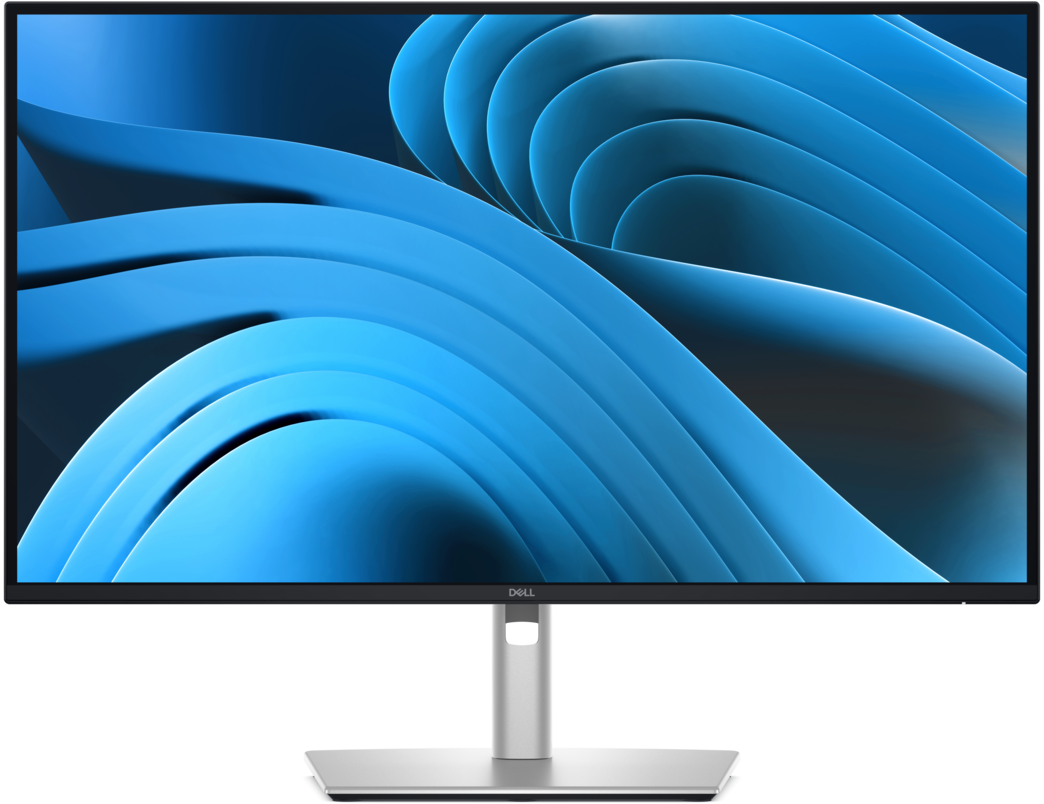
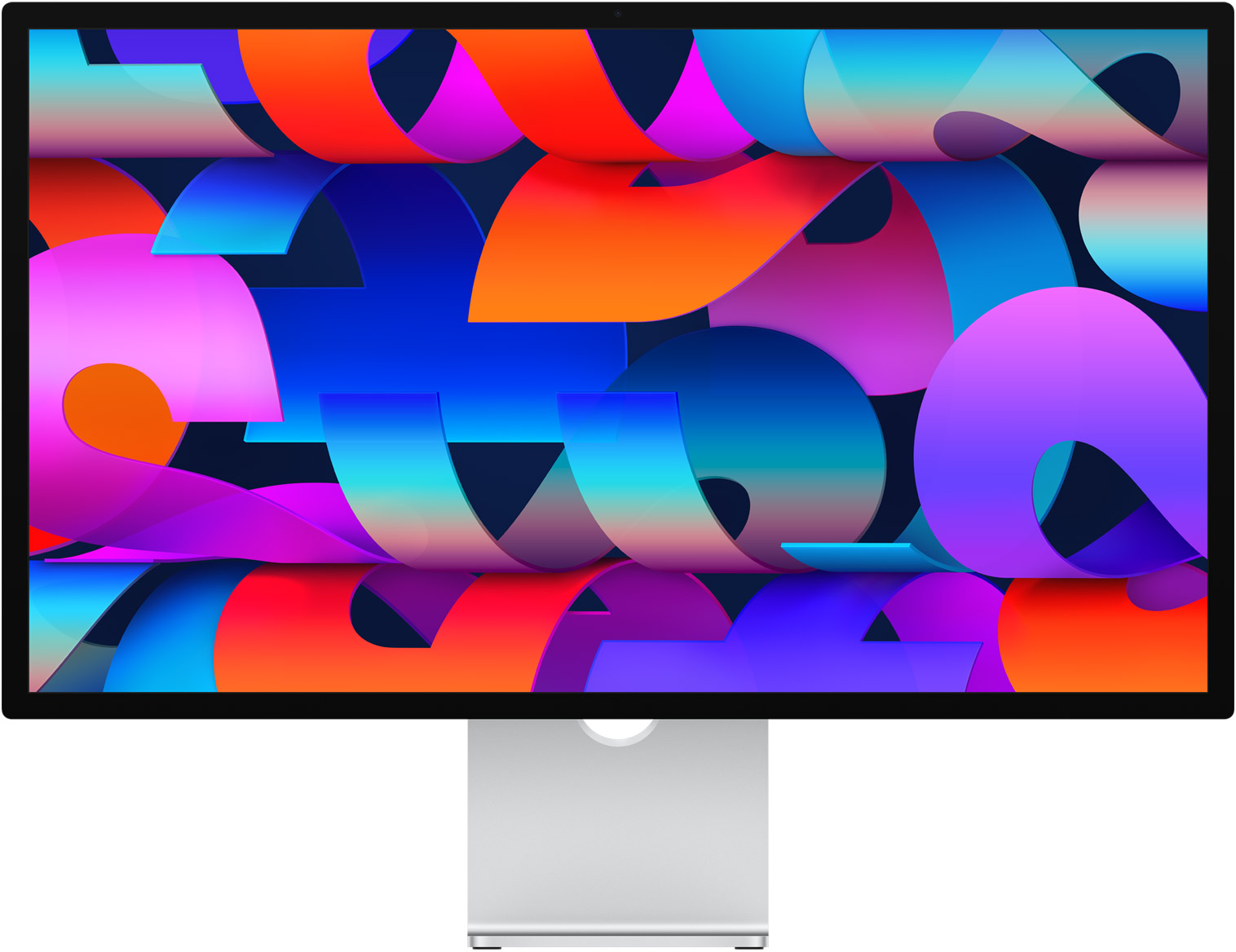
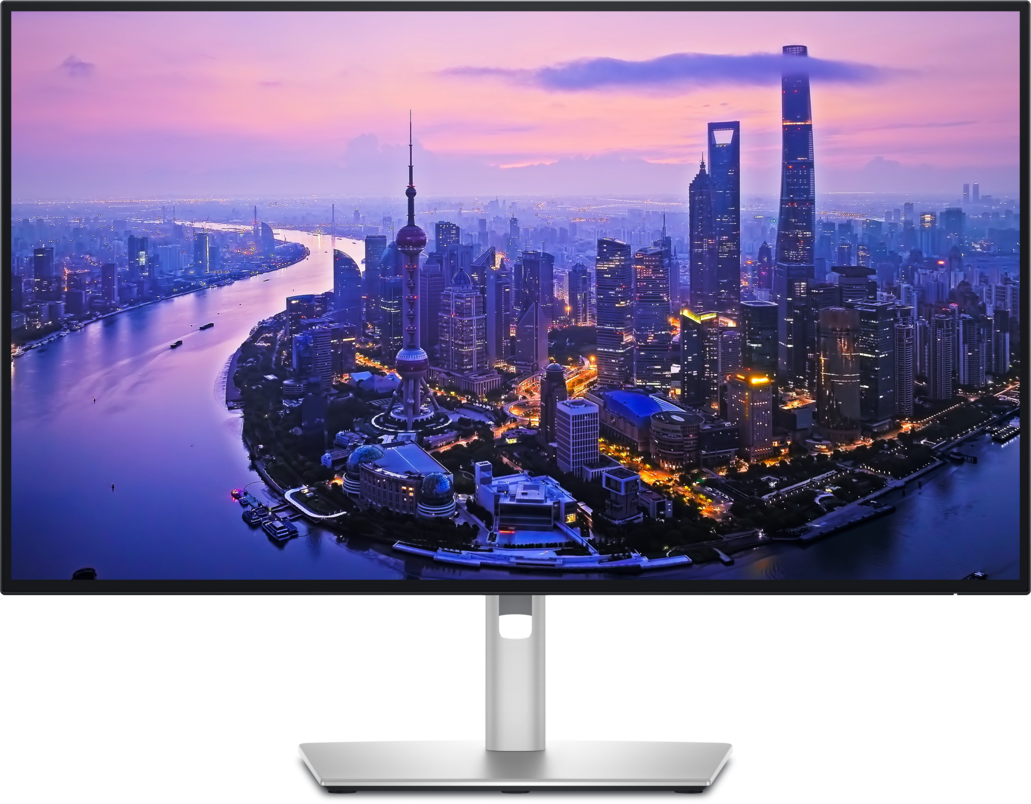
Dell P2725QE is our provisional starting recommendation for ordinary professional work. Apple’s Studio Display has a stronger case on a compatible Mac when 5K and integrated meeting hardware matter. Dell’s U2725QE is the upgrade to consider when its connectivity replaces equipment you would otherwise buy. This shortlist is for documents, analysis and general creative work; it does not rank gaming performance or HDR mastering displays.
The Ledger
Manufacturer specifications and US prices checked September 9, 2026. Prices exclude tax and can change; quoted capabilities require a supporting host and cable.
| Measure | Dell P2725QE | Apple Studio Display (2026) | Dell U2725QE |
|---|---|---|---|
| Listed price | $539.99 | From $1,599; standard glass and tilt stand | $849.99 |
| Panel / maximum refresh | 27-inch · 3840 × 2160 · 100Hz | 27-inch · 5120 × 2880 · 60Hz | 27-inch · 3840 × 2160 · 120Hz |
| Host connection / charging | USB-C DisplayPort Alt Mode · up to 90W | Thunderbolt 5 · up to 96W | Thunderbolt 4 · up to 140W EPR |
| Useful connections | HDMI, DisplayPort, USB hub, 1GbE | Downstream Thunderbolt 5 and two USB-C ports; camera, microphones and speakers | HDMI, DisplayPort, Thunderbolt downstream, USB KVM upstream and 2.5GbE |
| Stand included | Height, tilt, swivel and pivot | Tilt; height adjustment or VESA configuration changes the order | Height, tilt, swivel and pivot |
| Important limit | No Thunderbolt hub | Mac compatibility and software requirements; no 120Hz | Same pixel count as the less expensive Dell |
Sources: Dell P2725QE; Apple 2026 specifications and starting configuration and price; Dell U2725QE. Dell’s US pages list three-year limited hardware and Advanced Exchange service for both models; read the service conditions before ordering.
The Row
Choose text size before counting windows
At a simple two-to-one pixel scale, 5120 × 2880 maps to a 2560 × 1440 logical workspace; 3840 × 2160 maps to 1920 × 1080. That arithmetic explains why two equally sized screens can serve different preferences for text size and workspace. It is not a measurement of perceived sharpness, and raw pixel count alone does not tell you whether a particular spreadsheet is comfortable to read.
Try your usual document, browser and spreadsheet at the distance where the screen will sit. If you routinely increase text size, make that part of the comparison. Buying more resolution and then leaning forward to read it defeats the purpose.
Check the whole connection
Apple’s 2026 support page lists Apple-silicon Macs with macOS Tahoe 26.3.1 or later. Other devices may produce video, but Apple makes their resolution and refresh dependent on device capability. Treat that as a compatibility check, not a promise of the complete Mac experience on Windows. Check your host against Apple’s list.
For either Dell, match the computer’s video-output capability to the intended input. A USB-C connector alone does not establish video support, and a charging rating is a ceiling rather than a promise that every laptop accepts that power. If you already use a dock, sketch the entire path from laptop to screen before paying for another hub. Our Thunderbolt dock Guide covers the multi-display side of that decision.
Buy the complete desk once.
Start with the P2725QE, move to Studio Display for a compatible Mac setup that benefits from 5K integration, or choose U2725QE when its connections replace a separate purchase. Confirm return terms and test your real laptop, sleep/wake behavior, text scaling and peripherals during the return window. For a screen that travels, use our portable-monitor comparison instead.
Evidence boundary: Rankings are based on documented configuration, cost and workflow fit. Row & Ledger has not measured panel uniformity, color accuracy, motion quality or host-specific reliability. No measured picture-quality winner is claimed. Links in this Guide lead to manufacturers; no affiliate tracking was added.