Best Portable Monitors for Consultants (2026)
Four serious second screens for client work, travel, and temporary desks—ranked on workspace, carry weight, connectivity and whether added features earn their luggage penalty.
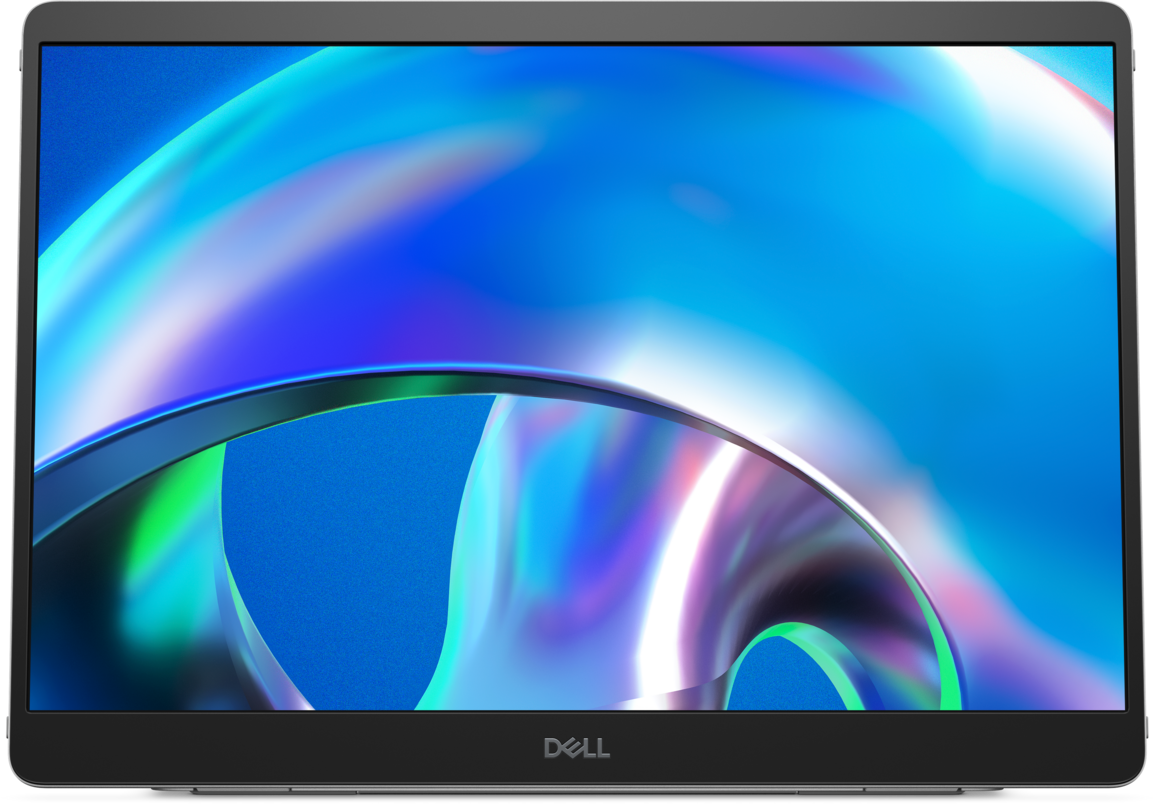
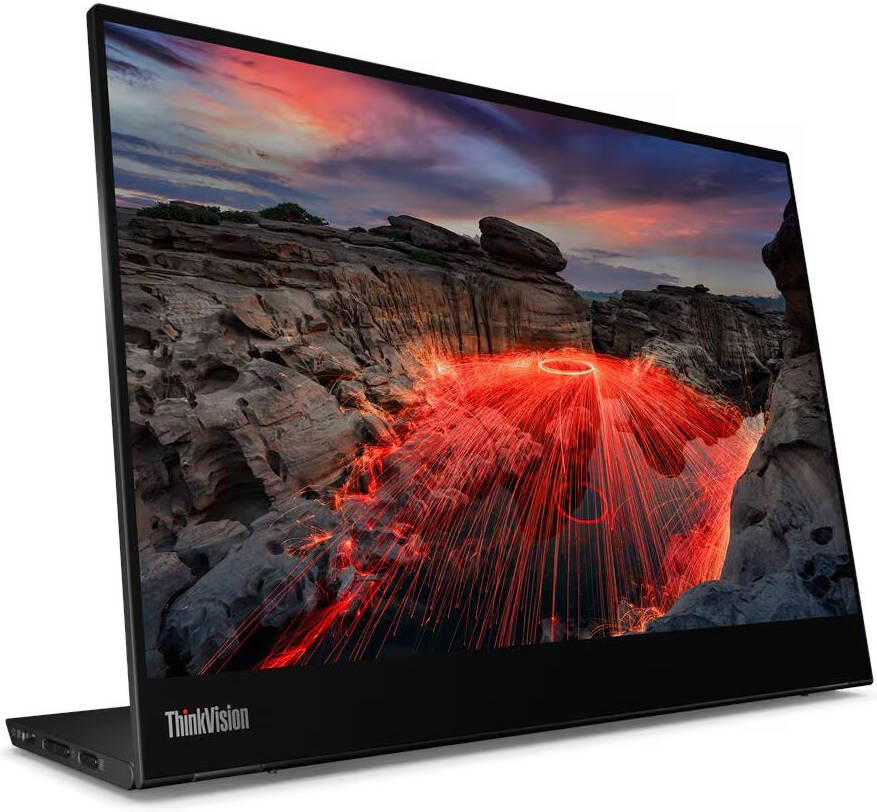
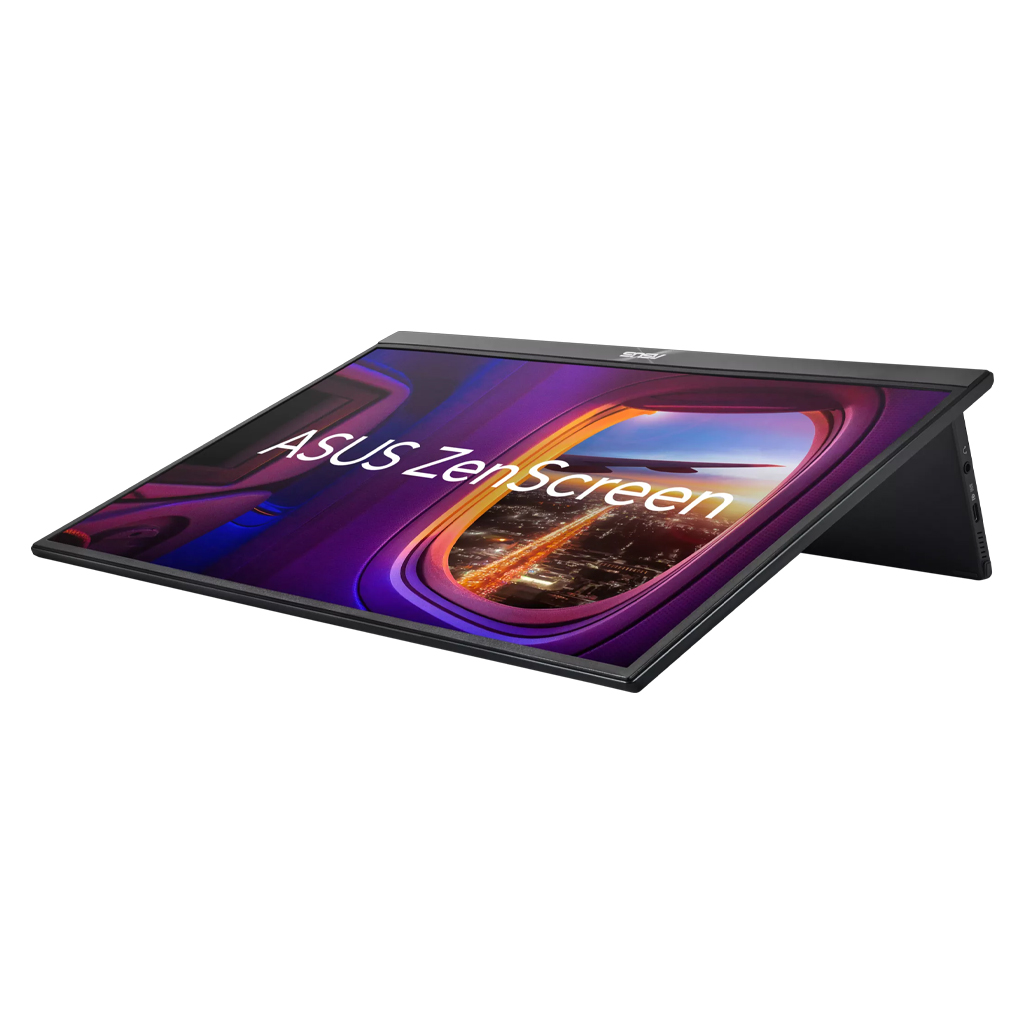
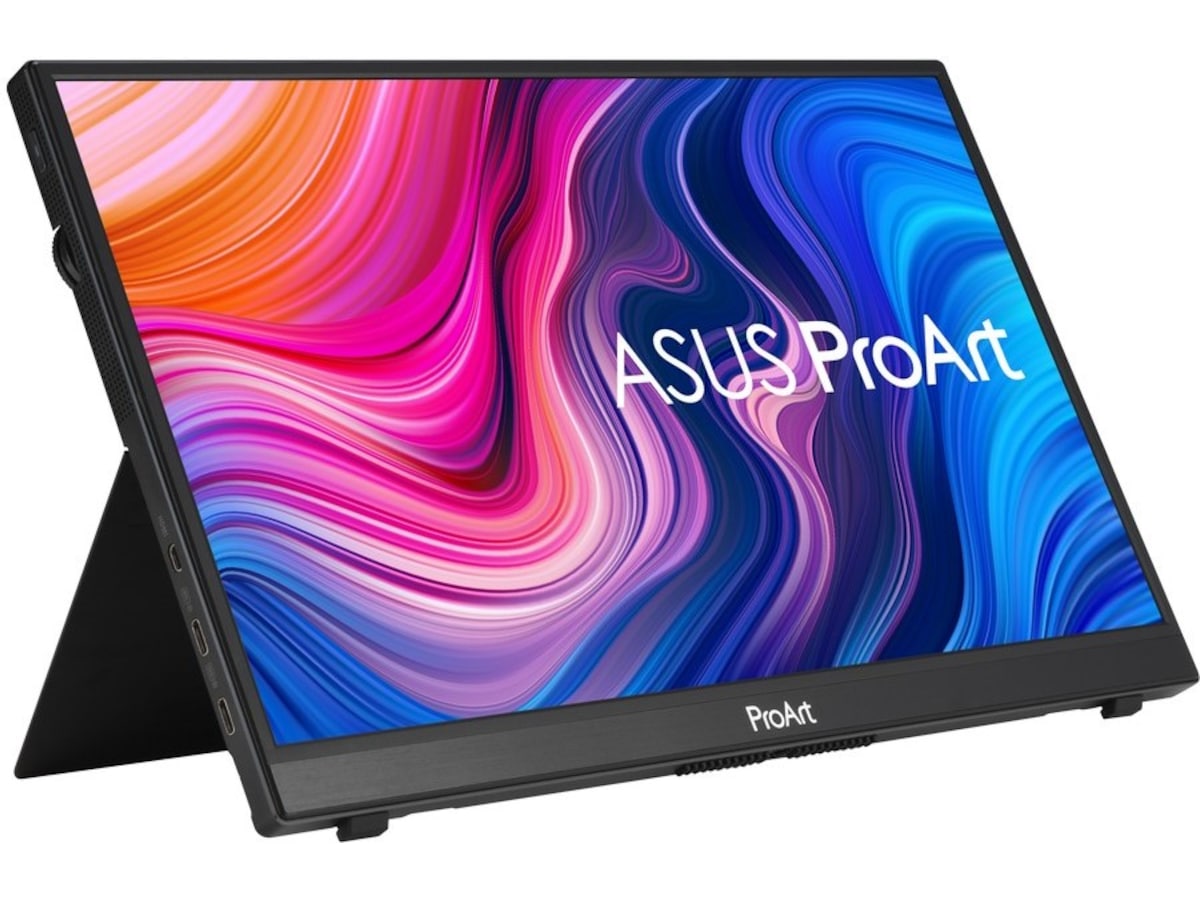
Dell Pro 14 Plus P1425
The strongest work-first balance: a 14-inch 16:10 canvas, 1.25-pound weight, dual USB-C and up to 65W power pass-through.
Retail option: ASUS options at Amazon · paid link; verify the exact model before purchase.
The Ledger
The evidence sheet: what is documented, what the premium buys, and where the trade-off lives.
| Measure | Dell Pro 14 Plus P1425 | Lenovo ThinkVision M14t Gen 2 | ASUS ZenScreen MB16QHG | ASUS ProArt PA148CTV |
|---|---|---|---|---|
| Price at research time | ~$230 | Varies | Varies | Varies |
| Display | 14 in · 1920×1200 · IPS · 60Hz | 14 in · 2240×1400 · touch | 16 in · 2560×1600 · 120Hz | 14 in · touch · creator-focused |
| Weight | 1.25 lb | ~1.54 lb | 2.65 lb | 1.63 lb |
| Video / I/O | 2× USB-C | 2× USB-C | 2× USB-C + HDMI | USB-C + Micro HDMI |
| Power pass-through | Up to 65W | Up to 65W | Not stated in current comparison | Not stated in current comparison |
| What you pay for | Lowest carry burden + simple work setup | Touch, pen support, higher resolution | Larger / sharper / higher-refresh panel | Touch + color-focused creative controls |
| Meaningful compromise | No touch, no HDMI, 60Hz | Higher cost and weight than Dell | More than 2× Dell weight | Specialist features most consultants do not need |
The Row
Specifications and prices reflect the evidence available when this guide was updated. Manufacturer claims are not presented as Row & Ledger hands-on findings.
What matters on the road
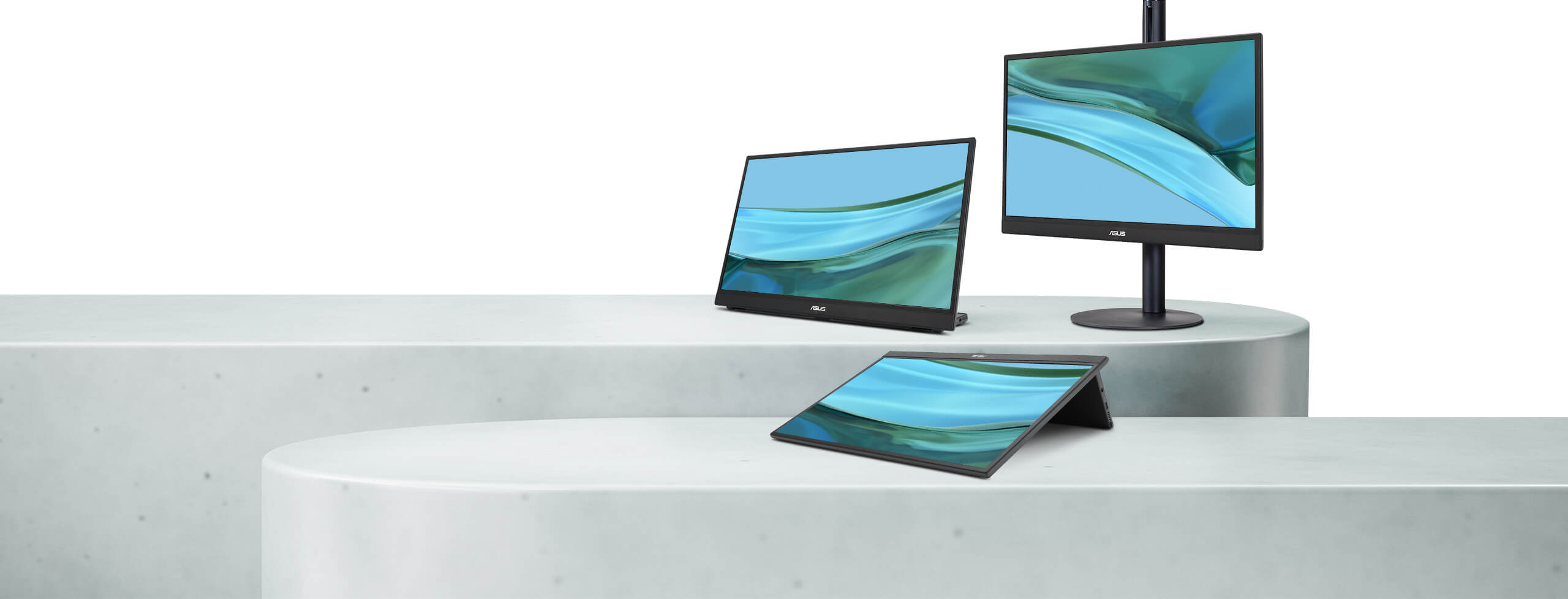
For professional mobile work, the useful combination is workspace, text clarity, aspect ratio and dependable one-cable connectivity. Dell keeps the proposition simple; Lenovo adds touch; ASUS offers either more pixels and refresh or more creator controls.
Weight is a first-order criterion because a portable monitor only creates value when it actually makes the trip.
Connectivity before specifications
The Dell and Lenovo both use two USB-C connections and support power pass-through up to 65W. Before buying any USB-C portable monitor, confirm the laptop’s USB-C port supports DisplayPort Alt Mode; the connector alone does not guarantee video output.
Limitations
The Dell is deliberately conservative: 60Hz, 1920×1200, no touch and no HDMI. Buyers who annotate directly on-screen should pay more for Lenovo; buyers prioritizing display resolution over pack weight may prefer the ASUS MB16QHG.
We have not physically tested stand stability, glare, cable behavior or repeated-travel durability.
Dell Pro 14 Plus P1425
For most consultants, the Dell Pro 14 Plus P1425 is the best-balanced portable monitor: light enough to carry routinely, tall enough at 16:10 to be useful for work, and simple enough to disappear into the workflow.
Related Guides
Best Laptop Stands for Travel
Best Thunderbolt Docks for Professional Work
Best Noise-Cancelling Headphones for Frequent Travelers
Evidence boundary: Row & Ledger has not physically tested the monitors in this guide. Stand stability, cable behavior, glare, long-session ergonomics and travel durability remain human-verification items.
Some retailer links are affiliate links. Row & Ledger may earn a commission from qualifying purchases at no additional cost to you. Recommendations remain independent of commercial relationships.