Best Portable SSDs for Photo Work
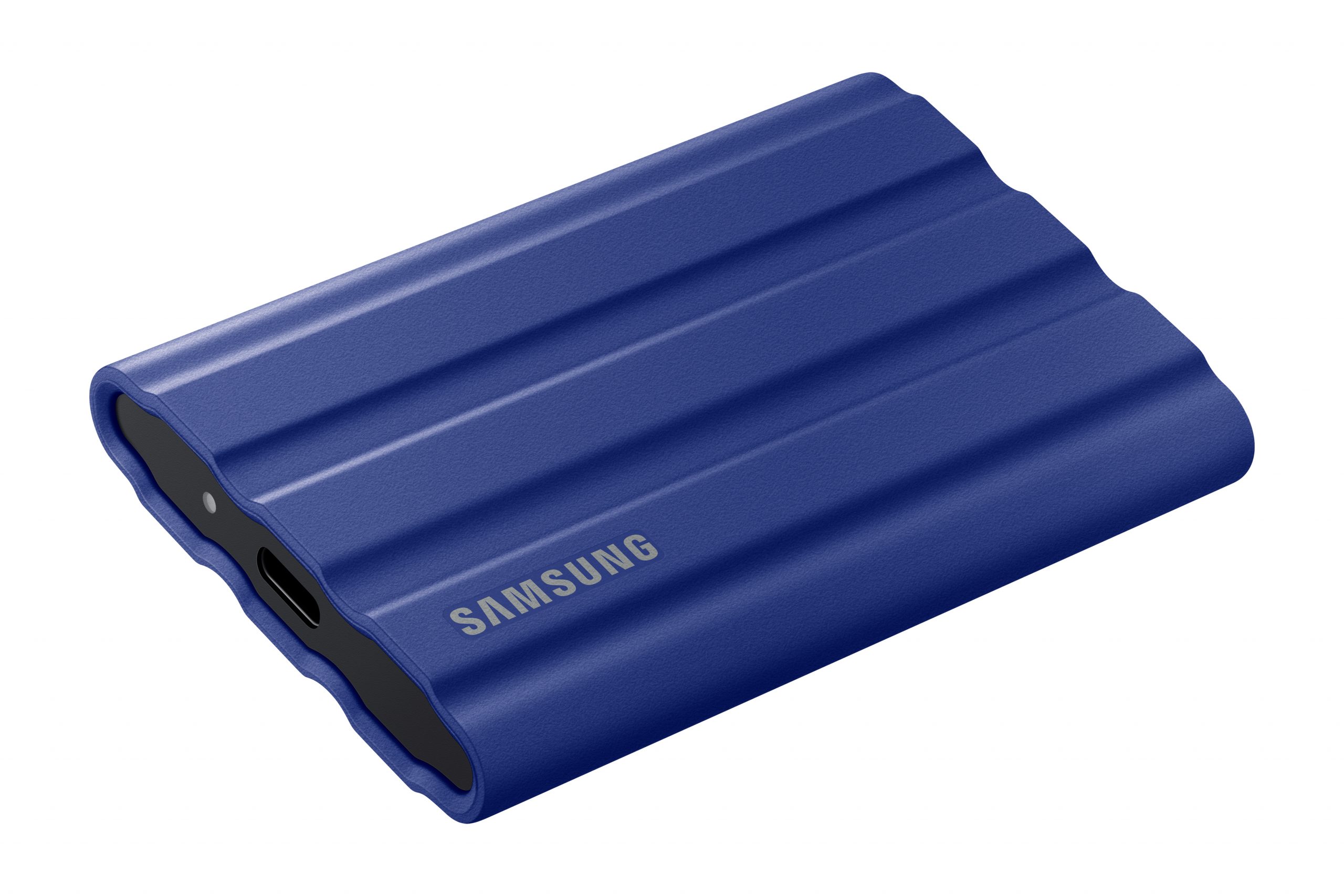
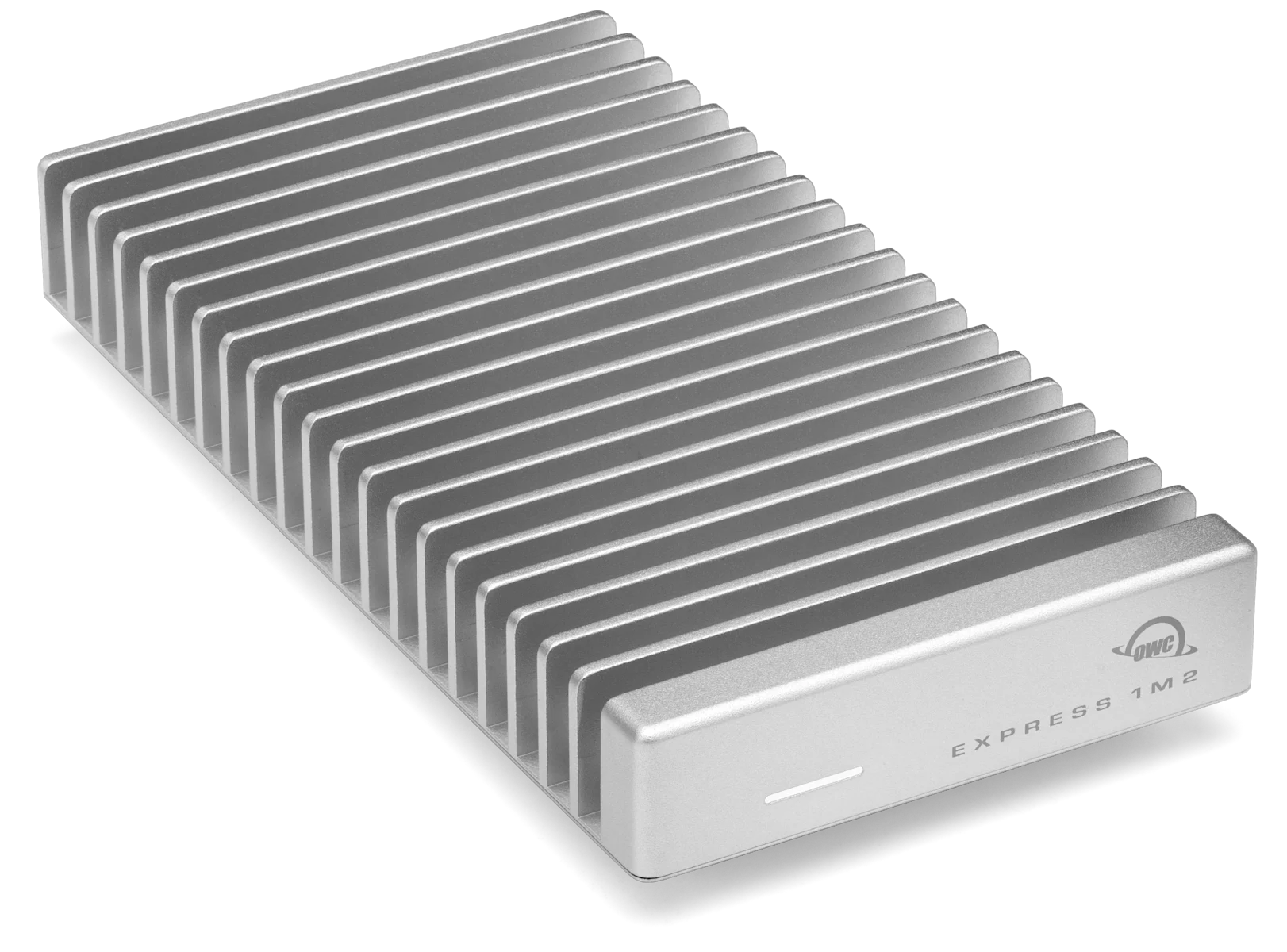
Samsung T7 Shield for travel protection; OWC Express 1M2 for a compatible editing desk. Two focused choices, with the port and price checks that decide between them.
The camera card is full, the laptop is nearly full, and tomorrow’s shoot has already been booked. A portable SSD can give the current project somewhere to live. Choosing one well means separating three questions: how it will travel, where it will connect, and where the second copy will stay.
Our provisional travel pick is Samsung’s T7 Shield; our desk-performance pick is the original 40Gb/s OWC Express 1M2. This is a focused shortlist for carrying photo projects and working from external storage, not an exhaustive speed ranking. Neither deserves an automatic purchase at any price. In particular, Samsung’s direct 2TB listing was expensive and unavailable for delivery when checked.
The Ledger
Manufacturer specifications and US listings checked September 10, 2026. Prices exclude tax. Advertised speeds are manufacturer figures, not our measurements.
| Measure | Samsung T7 Shield | OWC Express 1M2 · original 40Gb/s |
|---|---|---|
| 2TB price snapshot | $574.99, black; direct delivery unavailable | $599.99, assembled 2TB drive |
| Interface | USB 3.2 Gen 2 · 10Gb/s | USB4 · 40Gb/s, with USB 10Gb/s fallback |
| Published performance | Up to 1,050MB/s read; 1,000MB/s write | Up to 3,836MB/s in OWC’s specified PC test; host-dependent |
| What distinguishes it | 98g; IP65 rating; manufacturer-tested 3m drop resistance | Aluminum heat sink; replaceable NVMe module |
| Included cable | USB-C to C and USB-C to A | 0.3m USB4 cable |
| Limited warranty | Three years; liquid, dust and drop damage excluded | Three years assembled; two years enclosure-only |
| Main compromise | Protection does not raise its interface ceiling; weak value at the quoted direct price | Faster hosts are needed to justify it; no IP rating established in the sources reviewed |
Sources: Samsung US listing, Samsung specifications and test conditions, OWC 2TB store listing, OWC specifications and support manual. Samsung photography shows the blue finish; its quoted price is for black. The OWC price is for storage included, not an empty enclosure.
The Row
Read the port specification before the speed claim
Two USB-C sockets can look identical and serve different jobs. Trace the connection from the computer through any dock to the drive, including the cable. A faster upstream connection cannot remove a slower downstream link. Start with a direct connection when evaluating a new drive, then try the complete desk arrangement.
OWC’s documentation puts the original Express 1M2 at up to 990MB/s on USB 10Gb/s. Its manual also limits Thunderbolt 3 hosts to that connection class. Those are materially different expectations from the headline figure. A reader using an older Thunderbolt Mac should check the exact host rather than assume the lightning-bolt logo settles the question. Our dock comparison helps map the rest of the desk.
Why this is the original Express 1M2
OWC also sells an Express 1M2 80G with a faster interface. It is a separate model with different host requirements. We selected the original for readers who want USB4 performance at their main desk and documented USB 10Gb/s fallback elsewhere. If both your main computer and workload warrant the faster version, compare its configured price separately. A photograph of a similar silver enclosure is not enough to identify the correct order.
Ruggedness protects the object; a second copy protects the project
Samsung’s protection claims describe controlled tests. IP65 should not be read as permission to immerse the drive, and the warranty exclusions matter. More fundamentally, a surviving enclosure cannot rescue a deleted folder or a drive left in a hotel room.
Decide where the second copy lives before clearing the camera card. Open a sample of the copied files, confirm that the intended folders arrived, and keep the copies in separate places when traveling. A portable working library and a backup can contain the same files, but they have different jobs. One object cannot provide independence from its own loss.
Choose the format before filling the drive
OWC ships the assembled model formatted as APFS. For a Mac-only working library that may suit the job; a Windows handoff needs planning. Apple lists exFAT as Windows-compatible. Follow the requirements of the actual photo application as well as the operating systems that need access. Reformatting erases the selected volume, so settle this while the new drive is empty and preserve any existing data elsewhere first.
Buy for the trip or the desk.
Shortlist T7 Shield for location work, subject to a sensible available offer. Shortlist Express 1M2 for a compatible desk where external storage is part of the active workflow. During the return window, try a representative project, a long copy and the actual cable-and-dock arrangement. If the existing drive already does those jobs, the next useful purchase may be another independent copy rather than more speed.
Evidence boundary: Row & Ledger has not physically tested either drive, measured sustained writes or compared failure rates. Peak figures do not predict every file transfer, editing session or temperature condition. These are documented-fit recommendations. Prices and availability are snapshots; links lead to manufacturers and no affiliate tracking was added.