The One-Cable Desk: Dell P2725QE or CalDigit TS5?
Start with a monitor that does the docking, or keep a display you love and add a beautifully compact connection hub. Two considered routes to a calmer desk.
The decision
The cleanest desk starts with fewer redundant objects. Choose the Dell P2725QE when you need a screen and a straightforward USB-C hub together. Choose the CalDigit TS5 when your existing monitor deserves to stay and your accessories have outgrown it. These are different building blocks, not interchangeable purchases.
The Ledger
| Decision fact | Dell P2725QE | CalDigit TS5 |
|---|---|---|
| Role | 27-inch 4K display with integrated hub | Standalone Thunderbolt 5 dock; screen not included |
| Laptop power | Up to 90W over USB-C | Up to 140W to a compatible host |
| Connections that matter | USB 5Gbps; 1Gb Ethernet | 15 ports; 2.5Gb Ethernet; SD and microSD |
| Display consideration | 3840 × 2160, up to 100Hz | Display output via Thunderbolt/USB-C; no native HDMI socket |
| US listing | Check Dell for current price | $399.99 |
The Row
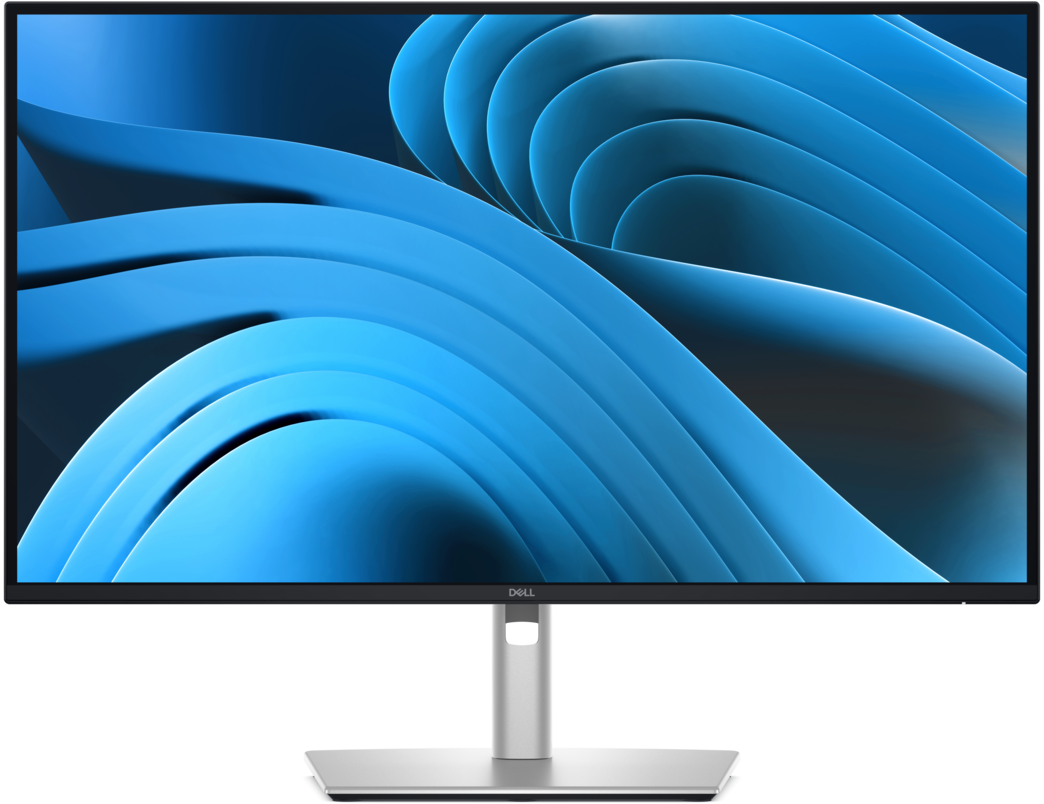
Dell P2725QE
Our starting point for a new desk. The restrained display and stand make the screen the main object rather than one more box. Buy if 27-inch 4K and the hub suit your work. Skip if your laptop needs more power under load, or your actual display requirements call for something else. Explore the Dell →
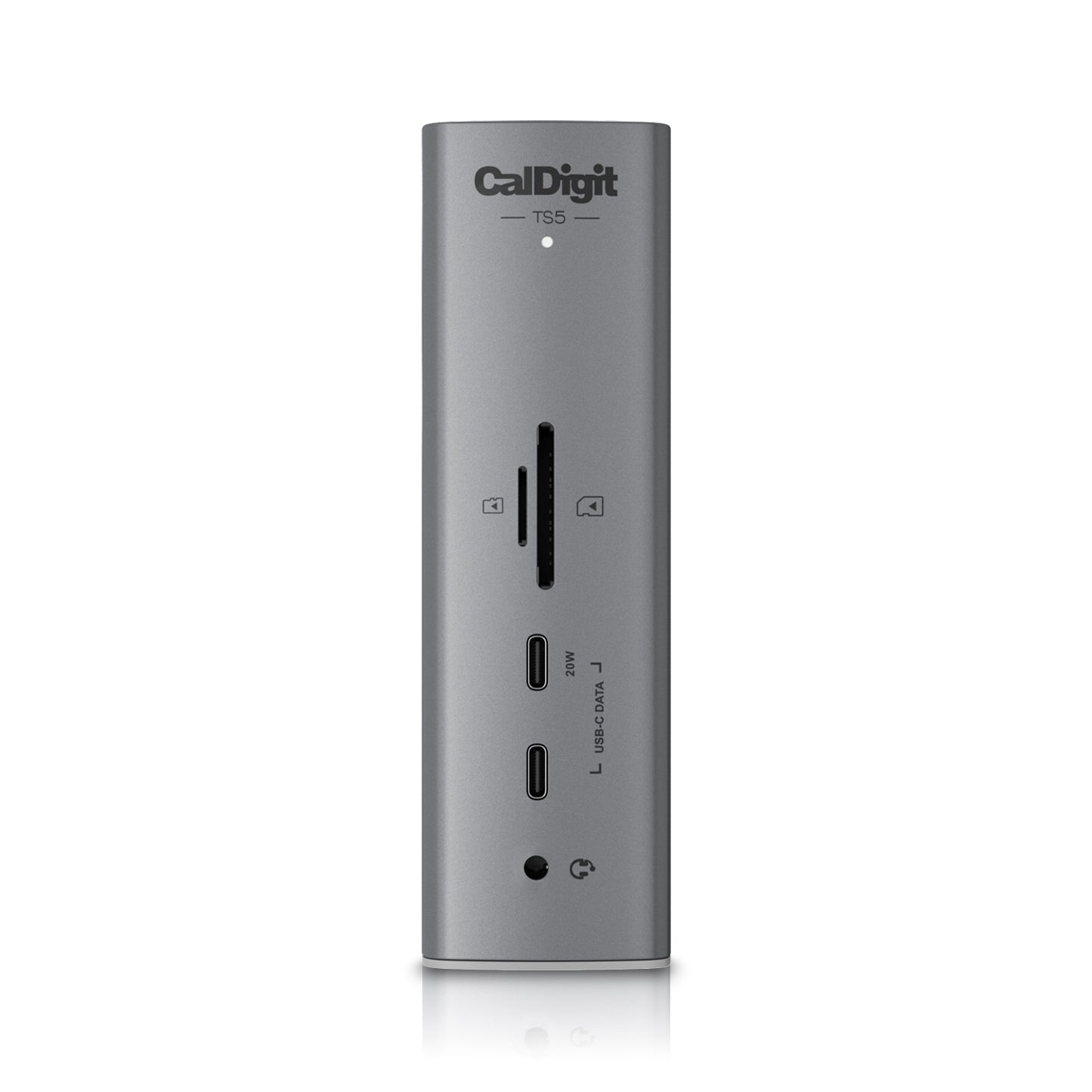
CalDigit TS5
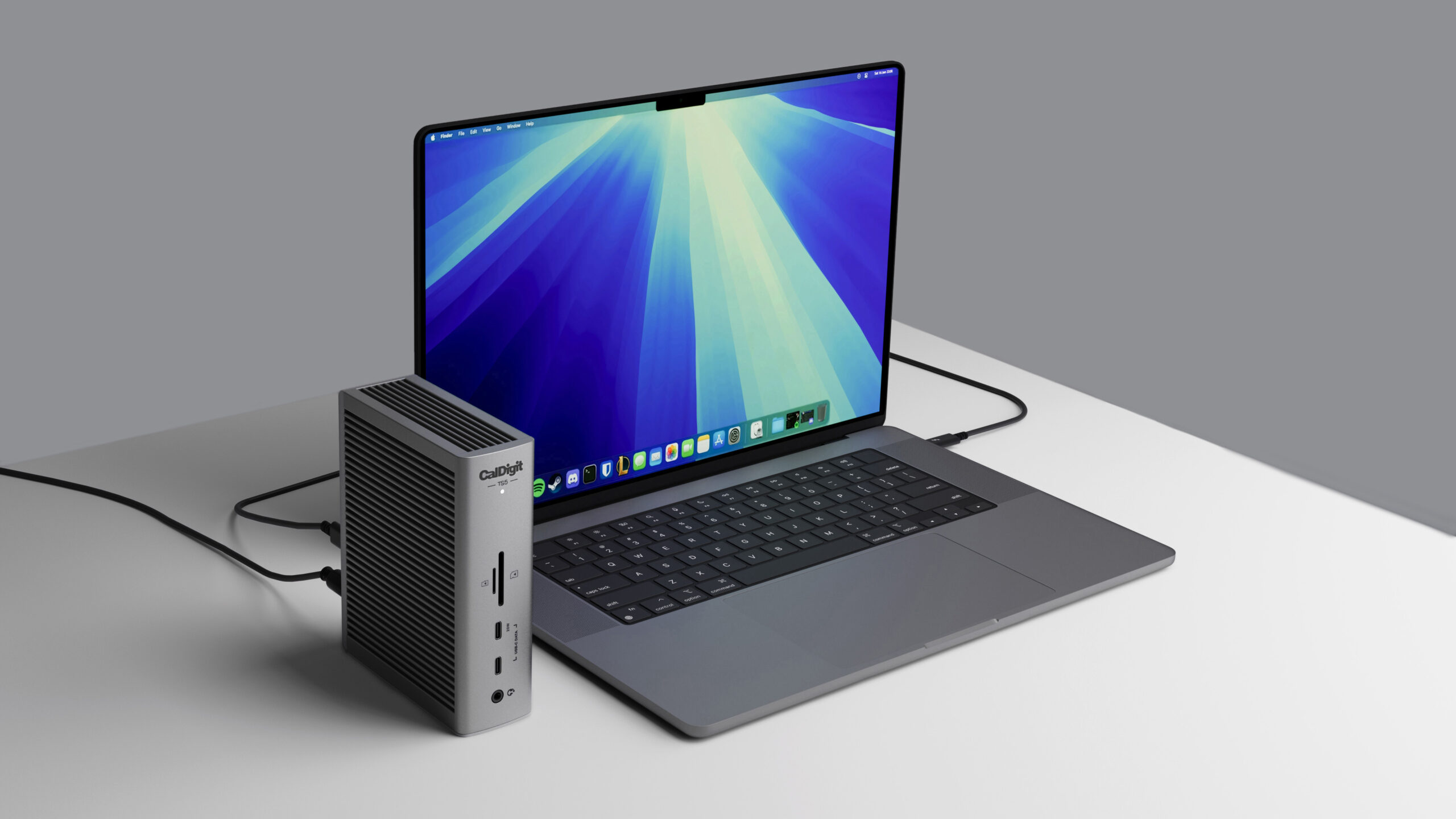
The expansion pick. A compact, finned tower gives a good existing monitor a much more capable connection point. Buy for a compatible computer and a real peripheral workload. Skip if a modest monitor hub already covers your devices. The TS5 is not the TS5 Plus; check the exact port list. Explore the TS5 →
The Premium Test
The TS5 earns its place when you can name the ports, bandwidth or power the monitor cannot supply. Its ribbed aluminum enclosure is a convincing piece of desktop hardware, but buying both by default undermines the simplicity you came for. Keep the useful screen; buy the missing capability.
Check the computer before the cable
Confirm your laptop’s display-output support, charging needs and operating-system compatibility. A dock cannot create support for extra external displays that the computer lacks. Dell needs a suitable USB-C video connection; CalDigit lists specific Thunderbolt and OS requirements. Match the cable and any display adapter to the intended resolution and refresh rate.
The final edit
Connect the screen, input devices and network, then test wake, charging and a normal work session before dressing the cables. One-cable means one connection to the laptop. Mains power and the connections behind the desk remain. The reward is a calmer arrival at the desk, not a promise that wiring disappears.